Moving Your Home Office to Another Room? What to Plan Before Relocating Power and Network Points
How to plan a new home office: where the desk goes‚ how many outlets you need‚ stable internet‚ good lighting and doing all the work at once.
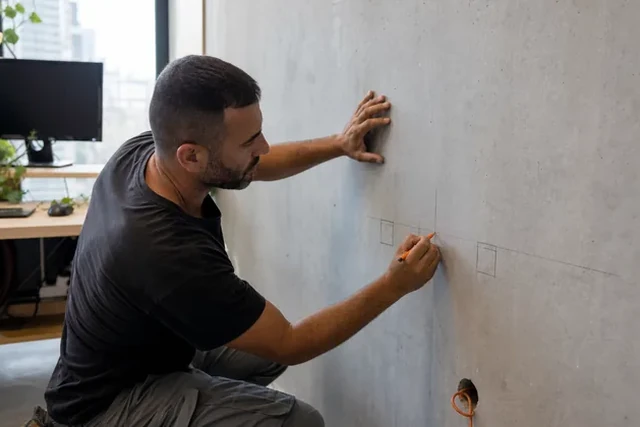
Before you start‚ it is worth planning the whole room rather than just adding a long power strip. Moving or adding power and network points sometimes means opening up the walls‚ and in many Israeli homes the walls are made of concrete or blocks‚ so concrete drilling or cutting channels for electrical conduit becomes part of the job. When you plan ahead‚ all of this work can be done in one go‚ with minimal dust and noise‚ leaving you with a work room that is genuinely comfortable to work in.
Place the Desk First
The first step is to decide where the desk will stand. Choose a spot where natural light comes from the side rather than from behind the screen or straight at it‚ to avoid glare and reflections. The view matters too: a desk facing a window is nicer than one facing a wall‚ but it can be dazzling at certain hours. Once the position is set‚ you can mark exactly where the outlets and network points should go on the wall instead of guessing.
How Many Outlets Do You Really Need?
A home workstation uses more outlets than you might think: a computer‚ one or two monitors‚ a lamp‚ a phone charger‚ a printer‚ a router or network extender‚ and sometimes a fan or a small heater as well. Plan for at least four to six outlets near the desk‚ at a height where you can plug things in without crawling under the desk. An outlet with USB ports saves on chargers. It is important that the work is done by a licensed electrician‚ who will also check that the circuit can handle the load.
Stable Internet
Video calls and file transfers need a stable connection. If the router is far away and the wireless signal is weak‚ a direct network cable to the room is the most reliable solution. It can run through conduit inside the wall‚ so it makes sense to plan it together with the electrical work. If opening the walls is not an option‚ a mesh Wi-Fi system with several units or a powerline adapter are good alternatives‚ but a cable remains the safe choice for anyone who depends on the internet for work.
Lighting for Work
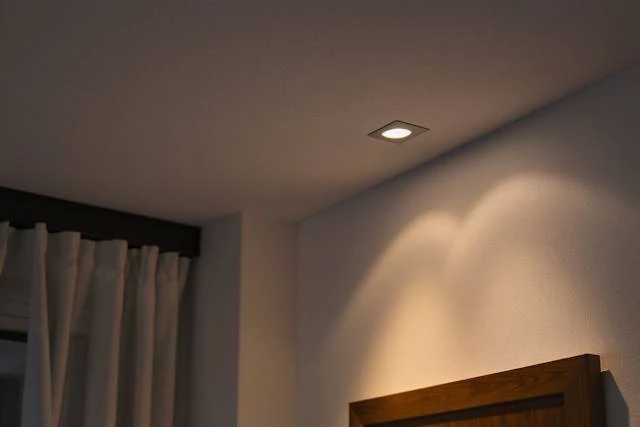
A single light in the middle of the ceiling casts a shadow on the desk and tires the eyes. Add focused lighting above the desk or a good desk lamp‚ and plan a switch that is easy to reach. If the wall is being opened for wiring anyway‚ this is the time to add a light point in the right place. Warm white light at medium brightness suits most hours of the day‚ and anyone who also works in the evening will benefit from a dimmable lamp. Check how the room looks on camera during video calls as well‚ because light from behind turns your face into a silhouette‚ while light from the side or front is far more flattering.
All the Work at Once
Drilling and chasing walls create dust and noise‚ so it is better to concentrate everything into a day or two‚ before painting and before the furniture goes in. Empty the room‚ cover the floor and seal the door. Once the walls are closed and painted‚ you can bring the furniture in and start working in a fresh‚ clean room. Ask the contractor to use tools with dust extraction and to clean up at the end of each day‚ and schedule the work for hours when nobody needs to work or sleep in the adjoining rooms. In an apartment building‚ a short note to the neighbors before the drilling days saves complaints and lets them prepare.
The Bottom Line
Moving your workspace to another room is a chance to build a truly comfortable work environment. Place the desk first‚ plan enough outlets‚ make sure you have stable internet‚ add focused lighting and do all the work at once. A small investment in planning saves years of tangled cables on the floor and video calls that freeze halfway through.